 Peter Kaizer
Creative Side Projects
GitHub for Designers
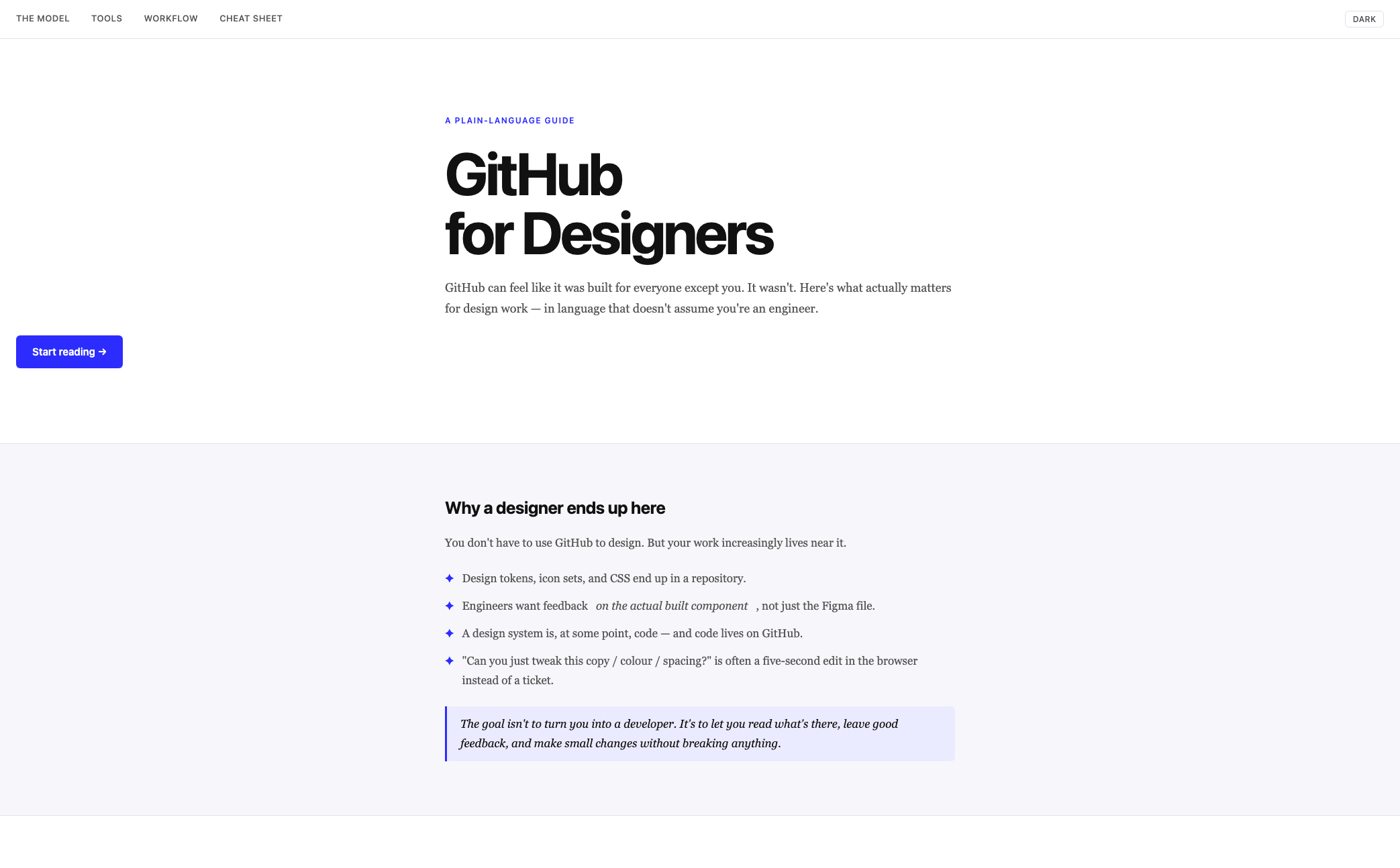
A plain-language guide that demystifies GitHub for designers — enough to read a repo, review a pull request, and make small changes without breaking anything.
The problem
GitHub's vocabulary — commits, branches, pull requests, merges — reads as engineering jargon, and most tutorials assume a working knowledge of the command line before they'll explain anything. That's a real barrier, because design work increasingly lives right next to it: design tokens, icon sets, and CSS all end up in a repository, and engineers often want feedback on the actual built component rather than the Figma file it came from.
The gap isn't capability, it's translation. Designers don't need to become engineers to be effective here — they need the five ideas that make the rest of GitHub legible, explained without assuming prior exposure.
Approach
The guide compresses GitHub down to one mental model: a shared folder with a perfect memory and a polite way of merging everyone's edits. Everything else is built on five terms — repository, commit, branch, pull request, merge — introduced together up front so a reader has the whole map before going deeper into any one piece.
From there, the structure follows the order a designer actually needs it in, not the order a computer science course would teach it:
- Pick the right tool for the job — the website, GitHub Desktop, or the command line, ranked from easiest to hardest, with an explicit "you don't need the scary one to start."
- Reading a repo without panic — what a README is, which files matter, which ones are safe to ignore entirely.
- A typical designer workflow — the six-step loop of branch, edit, commit, push, PR, merge, walked through with a concrete example (fixing a hardcoded color in a button component).
- The things designers actually do most — reviewing a pull request, editing a file in the browser, opening an issue, grabbing an asset. These get the most detail because they're where the actual day-to-day work happens.
- Habits and common pitfalls — commit message quality, why push and commit aren't the same thing, and why a merge conflict is a five-minute fix rather than a disaster.
A one-screen cheat sheet closes the guide out, giving every term a plain-language definition a reader can scan without re-reading the prose above it.
Key decisions
Analogy over definition. Every GitHub concept maps to something a designer already has intuition for — a commit is a named version in a design tool's history; a branch is a parallel copy to experiment in without touching the live file. The guide leans on these constantly rather than defining terms in isolation.
Depth follows frequency, not completeness. Reviewing a pull request gets far more space than the command line does, because that's genuinely where most designers spend their time on GitHub. The guide resists the urge to be comprehensive in favor of being useful for the 90% case.
An explicit non-goal. The guide states directly, more than once, that the goal isn't to turn a designer into an engineer. That framing does real work — it lowers the stakes of getting something wrong and gives permission to stop learning once the workflow feels natural.
Outcome
The result is a single-page reference a designer can read start to finish in under twenty minutes, then return to as a lookup whenever a specific term or step gets fuzzy. It closes on a direct nudge toward the highest-leverage habit — opening a first pull request — rather than a long list of "next steps," because that's the moment the rest of the guide is actually built to support.